Lost in Transit, Found in Bidding: The Ultimate Guide to the Sydney Airport Auction Lost in Transit, Found in Bidding: The Ultimate Guide to the Sydney Airport Auction Ever wondered what happens to that lone designer shoe, the forgotten iPad, or the bizarre souvenir left behind at the baggage carousel? At Sydney Airport, thousands of items go unclaimed every year. But instead of gathering dust in a dark warehouse forever, these forgotten treasures find a second lease on life in one of the most exciting public events of the year: The Sydney Airport Lost Property Auction . Whether you are a seasoned bargain hunter, a tech enthusiast looking for cheap upgrades, or just someone who loves the thrill of a mystery bid, this annual event is a goldmine. Let’s dive into what makes this auction a must-watch event, what treasures you can find, and how you can walk away with a premium steal. What is the Sydney Airport Auction? Every year, Sydney Airport pa...
The Puppet Master of World Football: Inside the Power of the FIFA President The Puppet Master of World Football: Inside the Power of the FIFA President Published by the Football Chronicles Editorial Team Imagine a job where you are greeted like a head of state, command an audience of billions, control a war chest of billions of dollars, and hold the keys to the single most coveted sporting event on Earth. No, you aren’t the President of the United States or the Secretary-General of the United Nations. You are the FIFA President . Often described as the most powerful figure in sports, the President of the Fédération Internationale de Football Association (FIFA) sits at the absolute apex of global soccer. But how did a role that started in 1904 as a modest administrative position transform into a seat of immense geopolitical and financial power? Let’s dive into the histo...
The Rise of Jan Paul van Hecke: Brighton’s Dutch Defensive Mastermind In the fast-paced, high-stakes world of the Premier League, finding a central defender who combines old-school grit with modern technical elegance is like finding gold. For Brighton & Hove Albion, that gold comes in the shape of a 24-year-old Dutchman: Jan Paul van Hecke . Once a low-profile signing from NAC Breda, Van Hecke has quietly transformed himself into one of the most reliable and exciting young defenders in English football. But how did he get here, and what makes him so special? Let’s take a closer look at the meteoric rise of Brighton's defensive anchor. --- From Arnemuiden to the Amex: The Journey Born in the small Dutch town of Arnemuiden, Van Hecke’s footballing journey wasn't handed to him on a silver platter. He started his professional career at NAC Breda in the Eerste Divisie. His raw talent was immediately obvious, catching the eagle eyes of Brighton’s world-renowned scouting ...
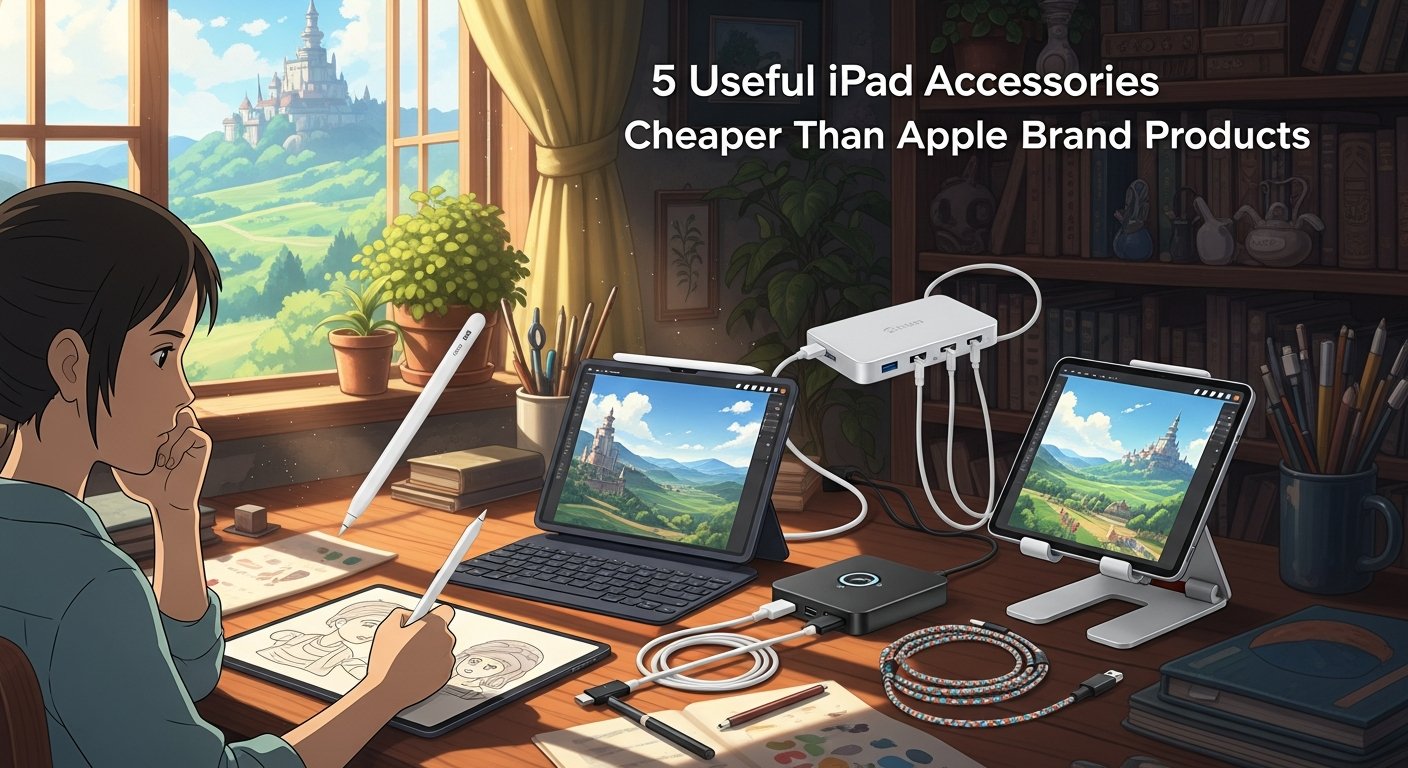
5 Smart iPad Accessories That Deliver Apple-Level Quality for a Fraction of the Price
GoInfoGuide
Breaking the First-Party Monopoly: 5 Budget-Friendly iPad Accessories That Outperform Their Price Tags
As we cross into the second half of 2026, Apple’s iPad lineup—spearheaded by the ultra-thin M4 iPad Pro and the M2-powered iPad Air—continues to dominate the tablet market. Boasting cutting-edge Tandem OLED Ultra Retina XDR displays, desktop-class 3-nanometer system-on-chips (SoCs), and highly optimized iPadOS architecture, these devices are marvels of modern engineering. However, fully equipping these premium tablets with Apple-branded peripherals remains an expensive endeavor. Purchasing a first-party keyboard, stylus, and protective case can easily push total hardware costs up by several hundred dollars.
Fortunately, the third-party accessory market has matured rapidly. Today, highly specialized manufacturers are offering alternatives that bypass the "Apple Tax" without sacrificing performance, durability, or compatibility. Below, we break down five exceptional third-party iPad accessories—including the Logitech Combo Touch, Metapen Pencil A8, MoKo Case, RAPIQUE Wireless Mouse, and IFEART USB-C Cable—analyzing their technical architecture, cost-effectiveness, and real-world value.
The Hardware Architecture: How Third-Party Peripherals Interface with iPadOS
To understand why these accessories perform so well, we must look at the underlying hardware and software architecture of modern iPads. Apple’s transition to M-series Apple Silicon and USB-C connectivity across the entire lineup has standardized communication protocols. This standardization allows third-party manufacturers to build highly compatible hardware without proprietary limitations.
The Smart Connector Interface: High-end peripherals like the Logitech Combo Touch utilize Apple’s proprietary Smart Connector. This physical, three-pin magnetic interface transmits both power and data bidirectionally, completely eliminating the latency, pairing issues, and battery degradation associated with Bluetooth.
Active Capacitive Stylus Protocols: The Metapen Pencil A8 interfaces with the iPad’s digitizer layer using active capacitive signals. While it bypasses Apple's proprietary Bluetooth pairing required for pressure sensitivity, it utilizes high-precision tilt-sensing algorithms recognized natively by iPadOS, offering sub-millisecond latency and pixel-perfect accuracy.
Universal USB-C Power Delivery (PD): Modern iPads require precise power regulation. High-quality cables like the IFEART USB-C Cable are built to handle advanced Power Delivery (PD 3.0) standards, ensuring safe wattage delivery up to 60W or 100W to match the charging requirements of the iPad Pro's battery architecture.
Bluetooth 5.0 and Human Interface Device (HID) Profiles: Budget pointer devices like the RAPIQUE Bluetooth Mouse leverage standard HID profiles over low-energy Bluetooth. This ensures native cursor support in iPadOS, mapping smoothly to the operating system's adaptive cursor system.
Deep Dive: The 5 Essential Budget-Friendly iPad Accessories
For users looking to maximize their iPad's productivity potential without breaking the bank, these five alternatives offer stellar performance and exceptional value:
1. Logitech Combo Touch (The Premium Magic Keyboard Alternative)
While Apple’s aluminum Magic Keyboard costs upwards of $299 to $349, the Logitech Combo Touch provides a highly versatile, rugged alternative. Utilizing Apple’s native Smart Connector, it requires no charging or pairing. It features a fully detachable backlit keyboard, a precision click-anywhere trackpad with full multi-touch gesture support, and a flexible kickstand that supports viewing, sketching, and reading modes. The protective wrap-around case also offers military-grade drop protection that Apple’s floating cantilever design simply cannot match.
2. Metapen Pencil A8 (The Intelligent Stylus Alternative)
The Apple Pencil Pro and Apple Pencil (USB-C) retail between $79 and $129. The Metapen Pencil A8 offers a highly competitive writing and sketching experience at a fraction of that cost. Constructed with a premium aluminum alloy body, it features dynamic tilt sensitivity, advanced palm rejection, and a battery life that delivers up to 10 hours of active use on a single charge. It charges rapidly via USB-C and features integrated magnets to secure it to the side of the iPad, making it the perfect companion for students and note-takers.
3. MoKo iPad Case (The Sleek Protective Folio Alternative)
Apple's Smart Folio cases are beautifully designed but can feel incredibly overpriced for what is essentially polyurethane and magnets. The MoKo iPad Case replicates this sleek, minimalist aesthetic while adding robust edge protection. It supports the classic tri-fold design for dual viewing angles (typing and viewing modes), incorporates an automatic sleep/wake magnetic sensor, and includes a dedicated slot or magnetic flap to keep your stylus secure. It provides lightweight, everyday scratch and drop protection for pennies on the dollar.
4. RAPIQUE Bluetooth Wireless Mouse (The Ergonomic Pointer Alternative)
For those who prefer a traditional desktop setup or want to pair their iPad with an external monitor via USB-C, the RAPIQUE Bluetooth Wireless Mouse is a highly ergonomic, travel-friendly solution. Offering dual-mode connectivity (Bluetooth 5.0 and 2.4GHz wireless via a mini-receiver), this mouse fits perfectly into the hand, features silent click switches, and boasts adjustable DPI settings (up to 1600 DPI) for smooth cursor tracking across high-resolution iPad displays.
5. IFEART USB-C Cable (The Durable Power Delivery Alternative)
Replacing a frayed or lost OEM cable with an official Apple USB-C charge cable can be surprisingly expensive. The IFEART USB-C Cable serves as a heavy-duty, highly reliable alternative. Designed with premium reinforced strain-relief joints and thick copper wiring, this cable is engineered to handle high-speed Power Delivery (PD) charging. It ensures your iPad draws its maximum supported wattage safely and efficiently while maintaining fast data transfer speeds for local backups and file management.
Pricing Comparison and Market Availability
To highlight the sheer financial advantage of opting for these third-party alternatives, we have outlined the comparative retail pricing (in USD) below:
Logitech Combo Touch: Retails between $150.00 and $220.00 (depending on iPad size), compared to Apple’s Magic Keyboard at $299.00 to $349.00.
Metapen Pencil A8: Retails between $20.00 and $30.00, compared to the Apple Pencil Pro at $129.00.
MoKo iPad Case: Retails between $10.00 and $18.00, compared to Apple’s Smart Folio at $79.00.
RAPIQUE Bluetooth Mouse: Retails between $12.00 and $20.00, compared to Apple’s Magic Mouse at $79.00.
IFEART USB-C Cable: Retails between $8.00 and $15.00 (often in multi-packs), compared to Apple's USB-C Charge Cable at $19.00.
Each of these third-party accessories is widely available globally through major online retailers, including Amazon, Best Buy, and direct manufacturer storefronts, making them highly accessible to international markets.
Practical Value & Performance Innovation: Do They Live Up to the Hype?
The core question for any tech consumer is simple: Does saving money mean sacrificing usability? In 2026, the gap in user experience between first-party and certified third-party accessories has never been narrower.
For general users, students, and remote professionals, these third-party solutions do not just match Apple's performance—in some ways, they exceed it. The Logitech Combo Touch provides superior physical protection and detachable flexibility that Apple’s Magic Keyboard lacks. The Metapen Pencil A8 delivers an indistinguishable writing feel for PDF annotation, journaling, and basic sketching, making the lack of pressure sensitivity a minor concession for non-professional artists. Meanwhile, utility accessories like the MoKo Case, RAPIQUE Mouse, and IFEART Cable provide the exact same utility as their first-party counterparts while leaving room in your budget for software subscriptions or a higher-tier iPad storage configuration.
Ultimately, unless your workflow absolutely demands niche first-party features like Apple Pencil hover gestures or the floating aesthetic of the aluminum Magic Keyboard, this curated suite of accessories offers a smarter, highly economical path to unlocking the full potential of your iPad.
It seems there is something wrong with your internet connection. Please connect to the internet and start browsing again.
AdBlock Detected!
We have detected that you are using adblocking plugin in your browser. The revenue we earn by the advertisements is used to manage this website, we request you to whitelist our website in your adblocking plugin.
Site is Blocked
Sorry! This site is not available in your country.